Orderly — Local-First File Organizer for Windows
A downloadable tool for Windows
Your folders, finally in order.
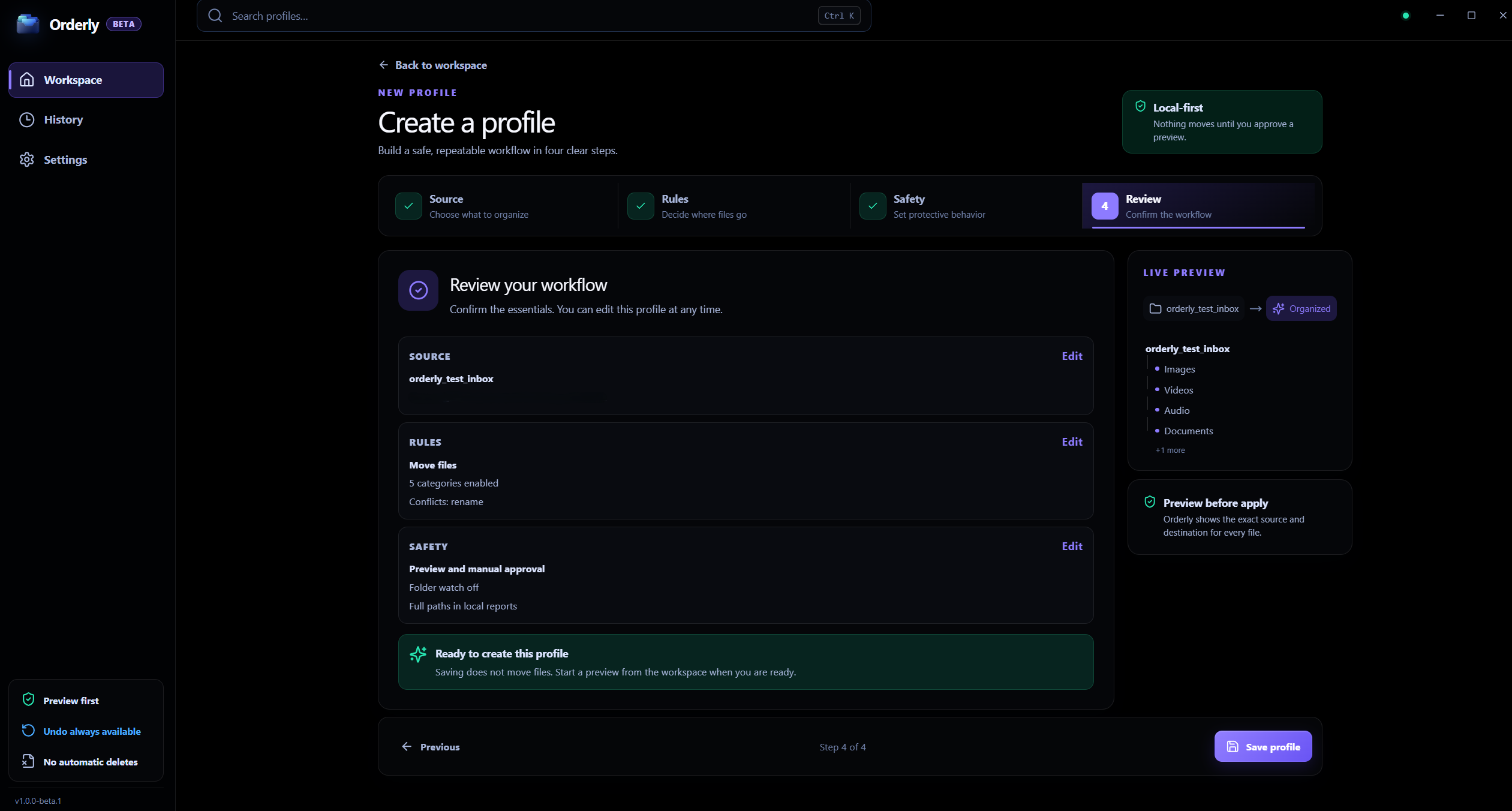
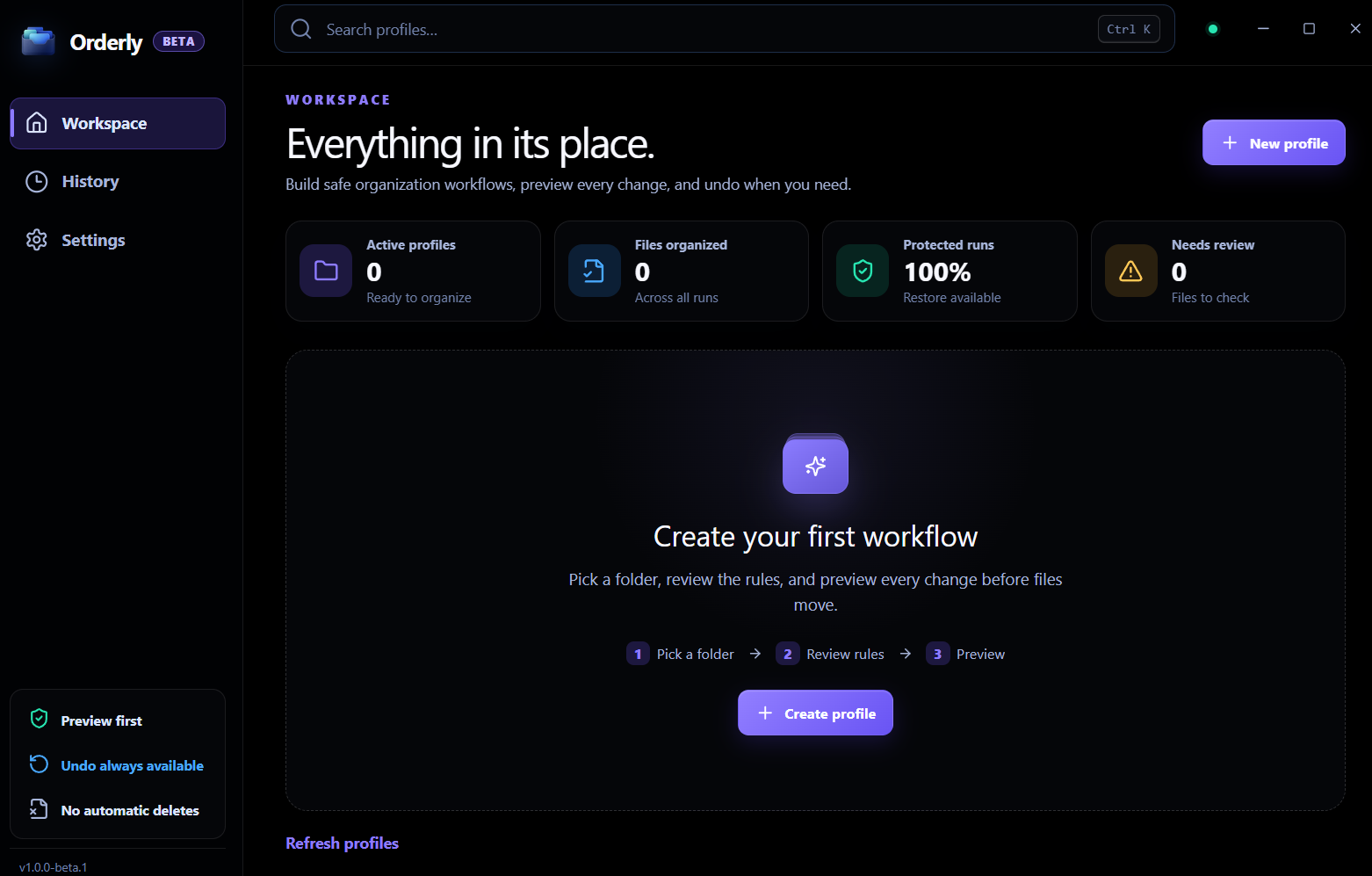
Orderly is a local-first Windows file organizer built around one simple idea: you should be able to see what will happen before your files are organized.
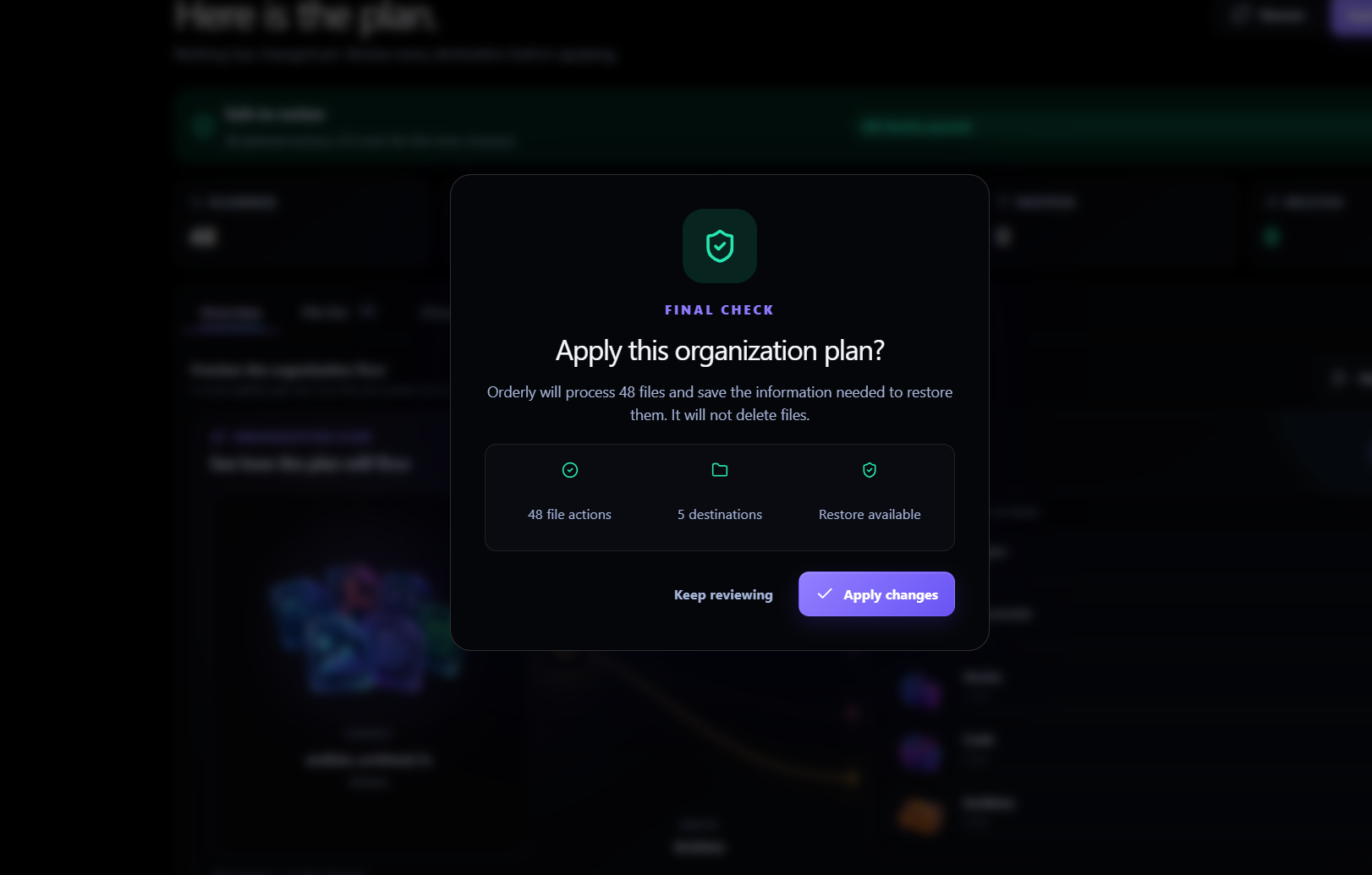
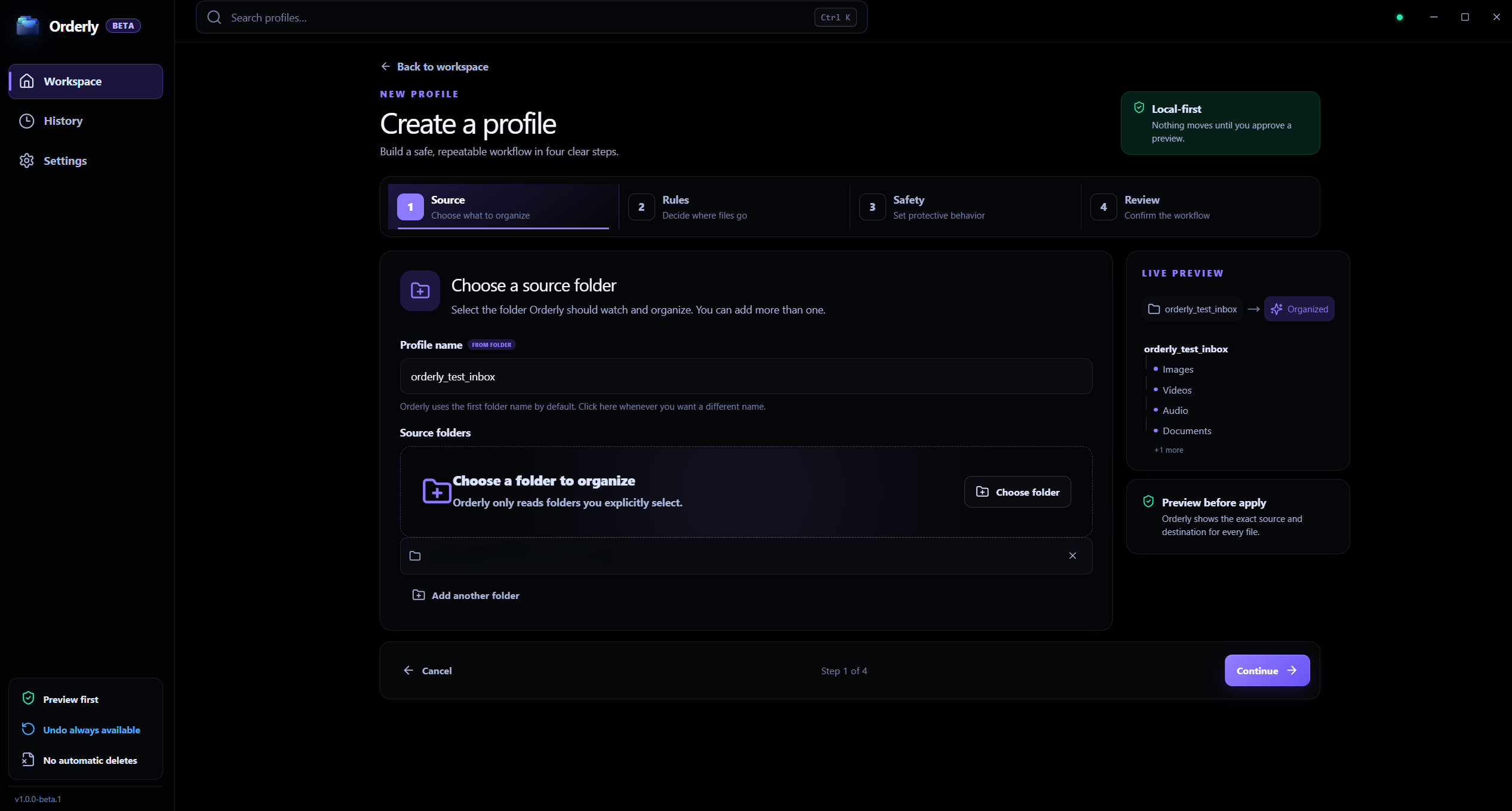
Create a profile for Downloads, Desktop, a project folder, a media folder, or any folder you use regularly. Orderly scans it, creates a clear preview of the proposed file actions, and lets you decide when to run the plan.
Preview → Run → Undo.
Why Orderly?
Orderly starts with a reviewable plan: matching files, proposed destinations, and the actions that will organize them.
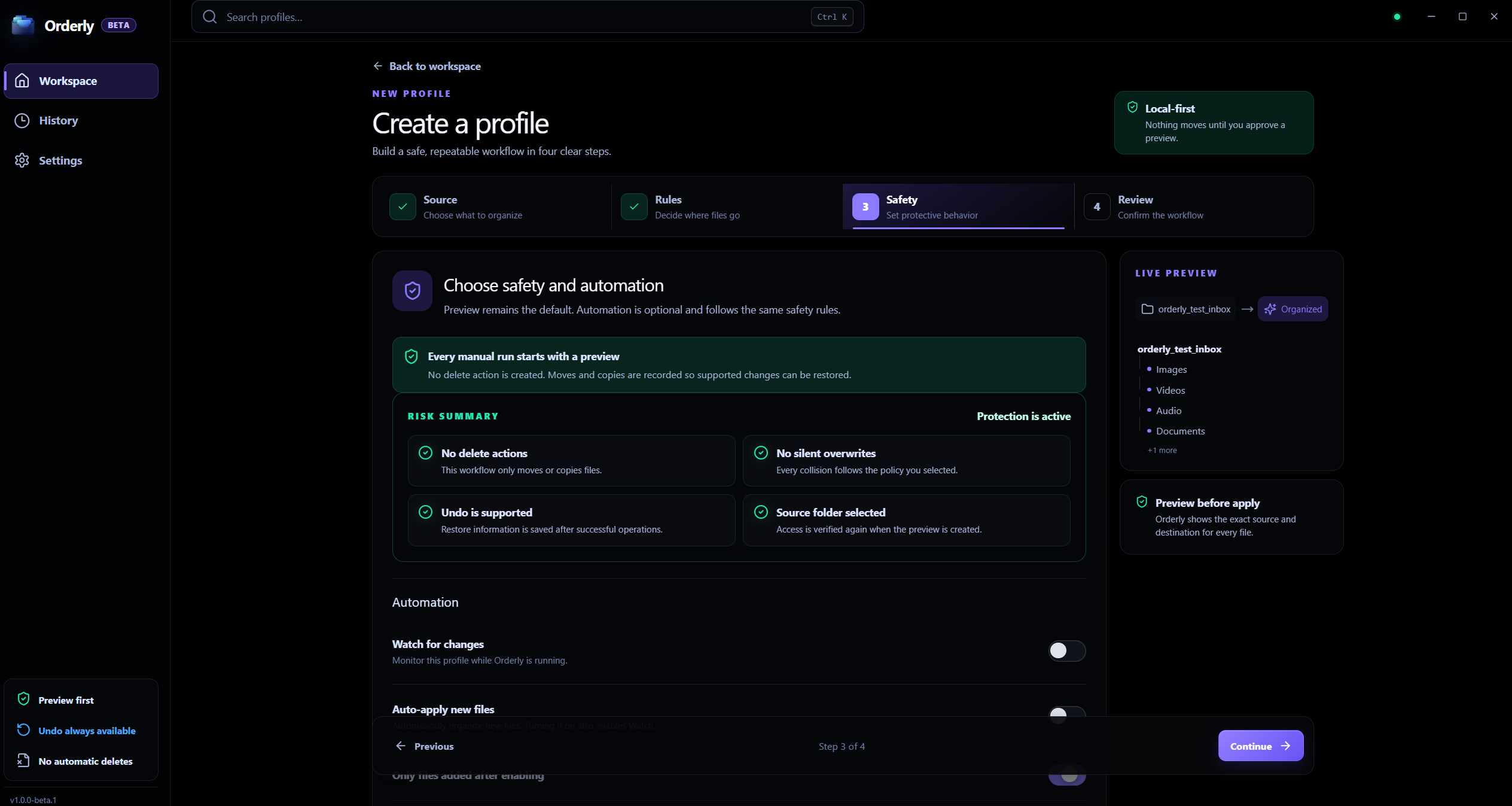
Before running an organization, you can inspect what Orderly found, where files will go, and what will remain untouched. Nothing is automatically organized unless you explicitly enable Auto-apply for a profile you trust.
Free Beta Features
- Profiles for folders you use regularly
- Preview proposed file actions before running them
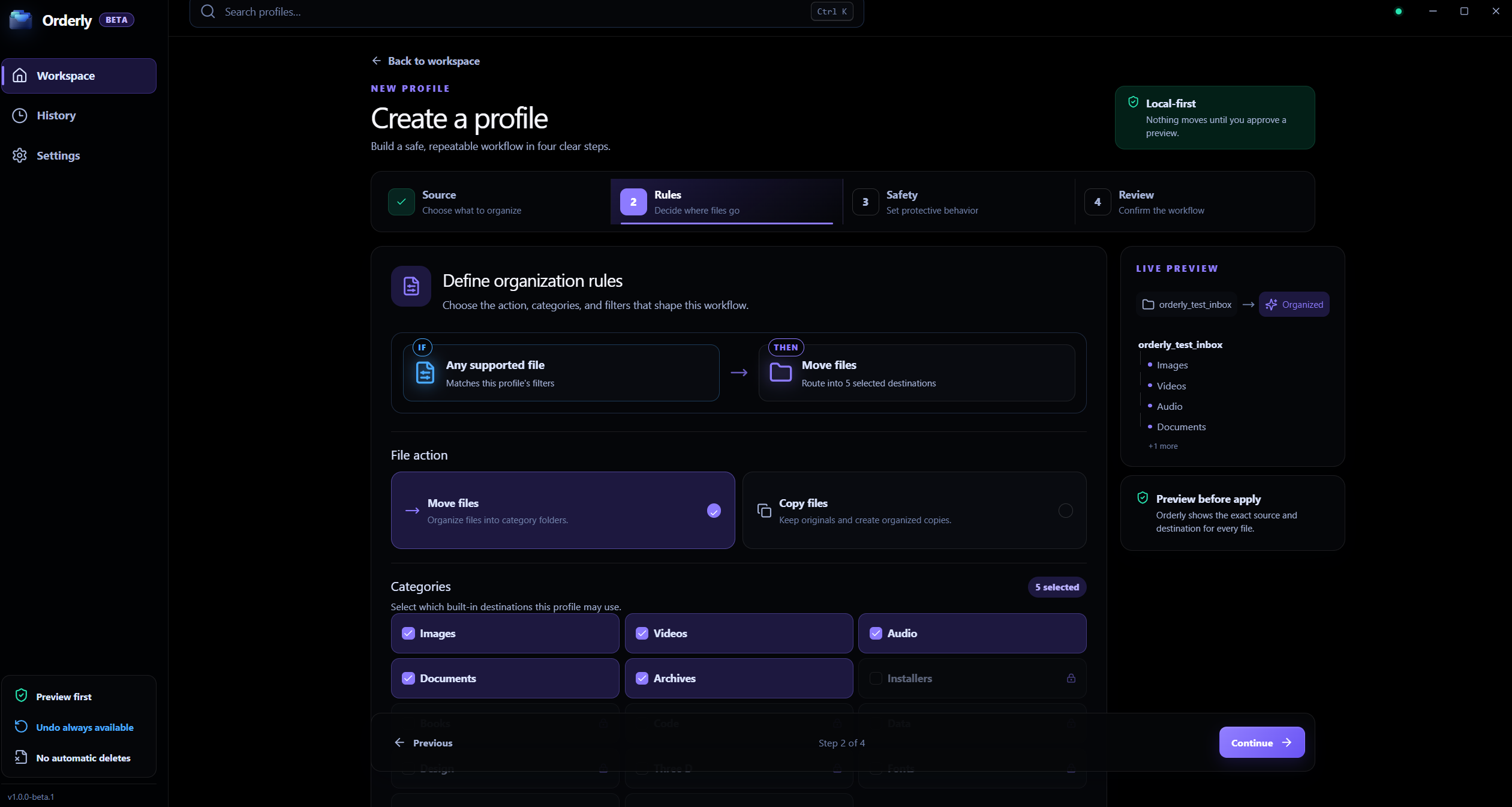
- Move or Copy organization modes
- Five built-in categories: Images, Videos, Audio, Documents, and Archives
- Flexible filters for file types, names, folders, size, date, and subfolders
- Local History for completed runs
- Undo for supported completed actions
- Watch profiles for folder changes while Orderly is running
- Optional Auto-apply for one trusted profile in Free Beta
- Light, Dark, and OLED Dark appearance options
- English interface
- Completion notifications
- Report exports with controls for hiding personal paths
- GitHub-based update checks
Preview before files are organized
A Preview shows the organization plan before you choose Run. If something does not look right, return to the profile, adjust your categories, folders, or filters, and preview it again.
The normal manual workflow stays simple:
Preview → Run → History → Undo
Watch without giving up control
Watch can monitor a profile for folder changes while Orderly is running. Closing the window keeps the app in the Windows system tray; choose Quit Orderly from the tray to stop background watching. Watch alone does not organize files.
If you want automation, Auto-apply can be explicitly enabled for a profile whose rules you already trust. Free Beta allows Auto-apply on one profile.
Move or Copy
Profiles can organize files using either Move or Copy mode.
For filename conflicts, you can choose how Orderly should behave:
- Keep both using a new name
- Skip the incoming file
- Overwrite the existing destination
For important folders, keeping both is generally the safest option.
Undo with local History
Completed runs are stored in local History.
For Move runs, Undo can move recorded destination files back to their original locations when possible. For Copy runs, Undo removes the recorded destination copies while leaving the original source files in place.
Undo works with the files currently found at the recorded paths and does not store snapshots of previous file contents. Files changed, moved, replaced, or deleted after a run can affect what Undo is able to restore. Files replaced using the Overwrite collision option cannot be recovered by Undo.
Undo is a useful safety net, not a replacement for normal backups.
Local-first by design
Orderly processes the folders you select on your own computer.
- Your organized folder contents are not uploaded to KenoLabs
- Profiles are stored locally
- Previews are stored locally
- History and Undo records are stored locally
- Reports and diagnostics are stored locally
- No Orderly account is required for Free Beta
Optional beta feedback is only sent after you explicitly choose to send it. Orderly Free Beta does not silently upload diagnostic archives or include automatic feature-usage telemetry.
Appearance, reports, and updates
Choose Light, Dark, or OLED Dark appearance, configure completion notifications, and export local reports with controls for hiding personal paths.
Check for updates manually or enable startup update checks. Orderly checks the official GitHub update manifest and shows the available version. Choose Download installer to open the matching Windows installer when an update is available; installation stays under your control.
Built for everyday folders
Orderly works well for folders such as:
- Downloads
- Desktop
- Media folders
- Camera imports
- Project folders
- Archive folders
- Other frequently used Windows folders
Free Beta
Orderly is currently in Free Beta. Features, compatibility, and behavior may continue to change as the application develops.
If you use Orderly with important files, keep an independent backup.
Download Orderly Free Beta and preview your first folder before you organize it.
Download
Click download now to get access to the following files:
Development log
Leave a comment
Log in with itch.io to leave a comment.